
Images to PDF ↗
Create one ordered, US Letter PDF from JPG or PNG images. Choose resolution and JPEG quality.
Open tool →Make a PDF, check its size, and choose the right next step. Practical tools with the limits spelled out.
Find your tool ↓ Your files. Your browser.
Create one ordered, US Letter PDF from JPG or PNG images. Choose resolution and JPEG quality.
Open tool →
Turn printable English ASCII into a simple, selectable-text PDF with automatic page breaks.
Open tool →
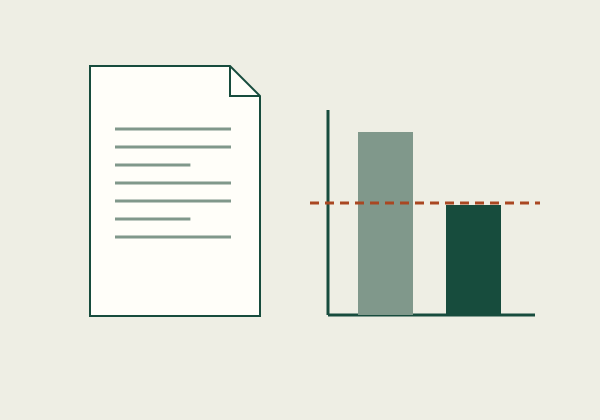
Measure file bytes against your limit. See the required reduction before changing a document.
Open tool →Reorder PDF files and combine their pages in your browser. Fillable forms, signatures, outlines, attachments, and some metadata may not carry over.
Open merge tool ?Rasterize each page locally at a chosen resolution. Output is image-only and may be larger.
Open compression tool →Measure file bytes, compare a decimal MB limit, and calculate the required size reduction. Separate per-file limits from combined attachment limits.
Compare browser-local and hosted PDF workflows by privacy, file limits, supported features, accessibility, and the recipient’s actual requirements.
Match an operation to file contents such as selectable text, forms, signatures, links, attachments, page order, and file-size limits.
Start with the file you have and the result you need. Distinguish page assembly, image compression, and format conversion before choosing a tool.
Understand trade-offs before paying for a document tool.

Practical conversion steps, examples, and handoff checks.
Diagnose size, readability, and conversion failures.